Activation status
No TextBee settings loaded yet.
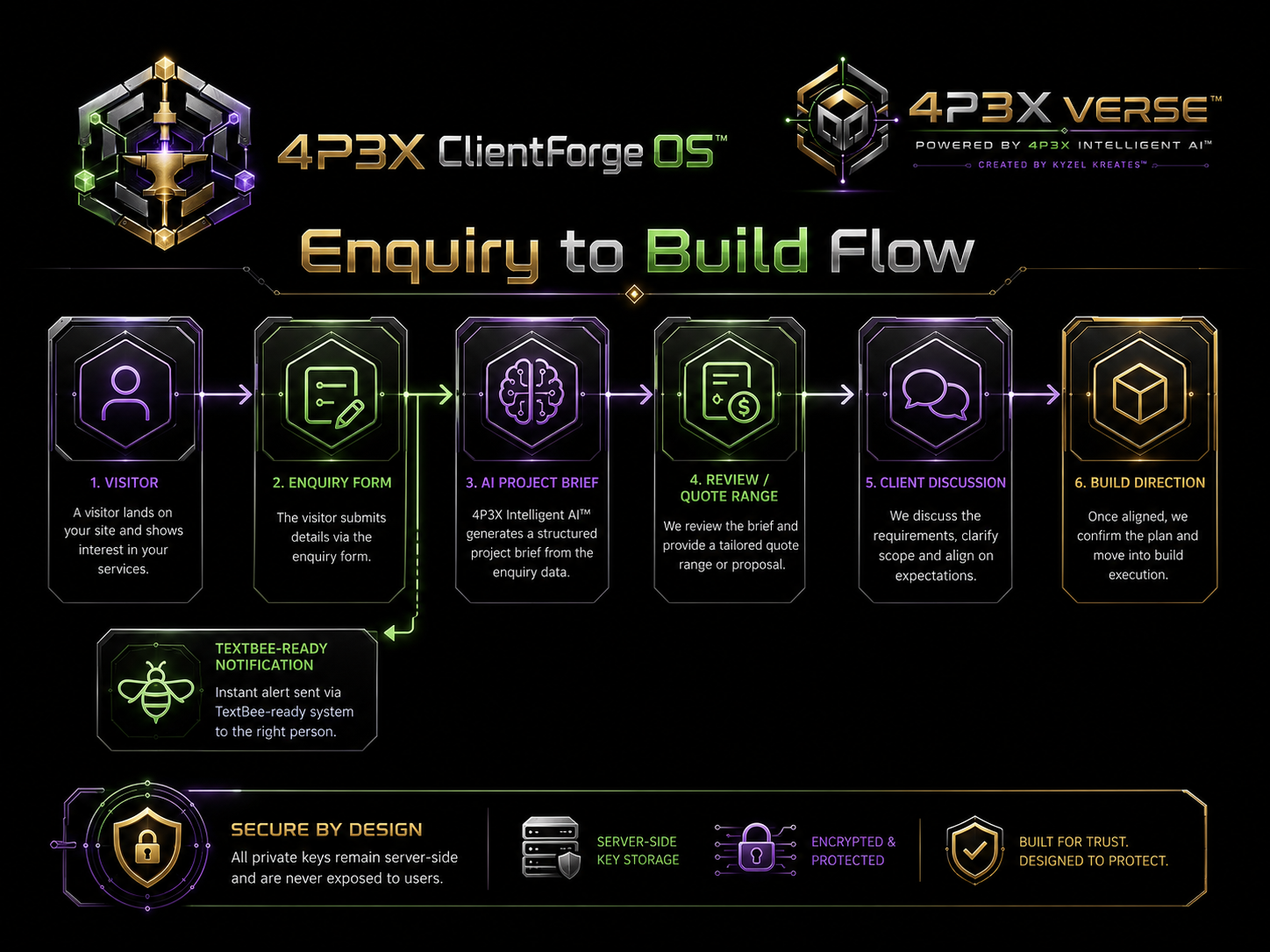
This settings page has been simplified for 4P3X ClientForge OS™. Enter the TextBee Device ID and API key, activate the connection, then the enquiry page builds the TextBee API endpoint automatically.
Device ID and API key only. No endpoint URL, webhook URL, label field, service role key, or extra activation settings are required.
The enquiry form extracts an E.164 phone number from the contact field and sends the generated brief through the TextBee device using the saved Device ID and API key.
For a fully public production site, a secure backend function is still the safer option. This static version follows your requested Device ID + API only setup.
A simplified 4P3X ClientForge OS™ enquiry pathway using only TextBee Device ID + API key activation, with the API endpoint generated automatically.